
Explore a drawing.
Give a hand an image, follow its accepted strokes, and decide which state to keep.
Open Decision Atelier →Study how marks accumulate, compare what you see, and choose where a drawing might stop—or begin again.
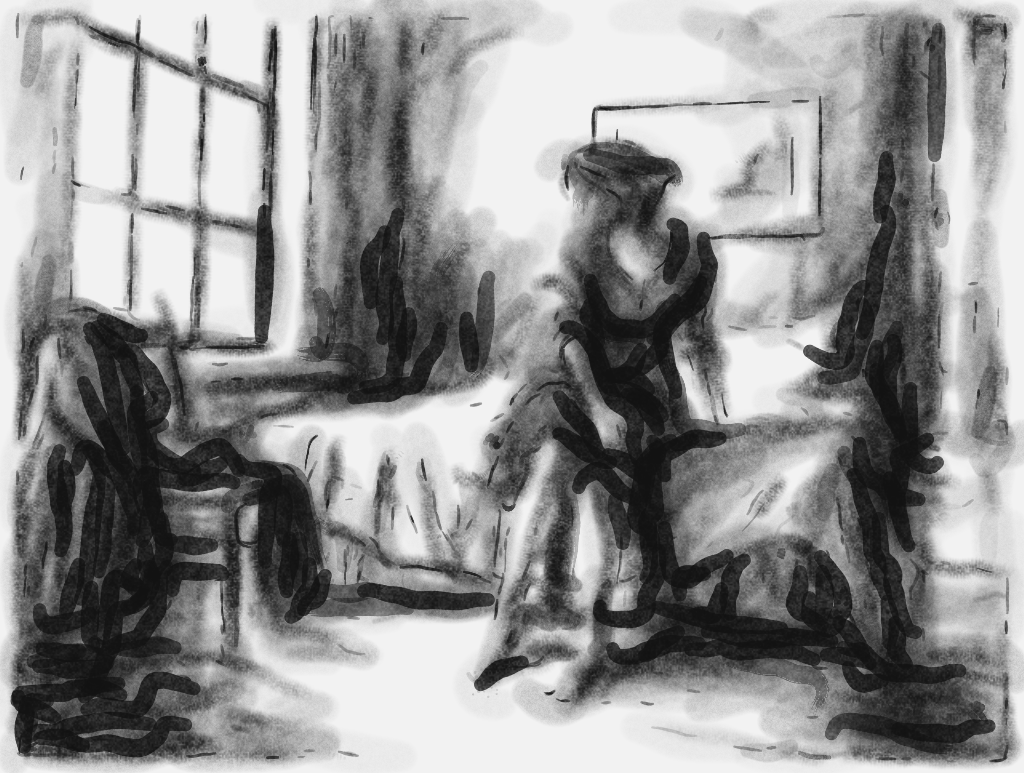
Move the slider to compare two moments from the same drawing.
Start with the kind of evidence you have. The tools connect, but each can also be used on its own.
Give a hand an image, follow its accepted strokes, and decide which state to keep.
Open Decision Atelier →Replay recorded strokes and compare the behavior of early and late phases.
Open Stroke Lab →Isolate visible candidate marks, or compare two regions under shared settings.
Compare images →From a drawing in progress to a closer look at its marks, each view answers a different question.
Generate with a combined mark vocabulary. Pause, choose an accepted stroke, and continue from that point.
↗02Replay and measure the order, paths, and starting positions in recorded drawings.
↗03Compare early and late strokes, run a shuffle test, or inspect a single image’s candidate marks.
↗04Run the same exploratory phase test across the included records or your own compatible files.
↗05Compare two images or regions and see how the result changes with the segmentation cutoff.
↗From making to research. In Decision Atelier, choose a stopping point and export the stroke record. Open that JSON in Stroke Lab to replay it, or add it to Corpus Lab to compare its phases with the other records.
From one image to two. In Phase Lab’s image view, save an image session with its segmentation settings and region. Open that session in Image Comparison, then add a second image or another copy of the same image.
Sequence and image are different kinds of evidence. The bundled stroke records come from generated drawings. A finished image alone does not reveal when a mark was made.
The image tools detect connected pixel regions as candidate marks. They can help you investigate a pattern, but touching strokes may merge and textured marks may split. Adjust the settings and inspect the mask before drawing conclusions.
These tools run locally in your browser. Image sessions and analysis exports are files you choose to save.